1. 安装java环境
Jenkins 是一个用Java编写的持续集成工具,依赖于Java,所以在安装Jenkins前,需要先安装Java环境,可用以下命令检查是否安装:
$ java -version
如果已安装的话,会有以下内容的输出:
java version "15.0.2" 2021-01-19
Java(TM) SE Runtime Environment (build 15.0.2+7-27)
Java HotSpot(TM) 64-Bit Server VM (build 15.0.2+7-27, mixed mode, sharing)
如果没有安装的话,会提示No Java runtime present, requesting install.,可通过下面两种方式安装。
1.1 官网下载 Java SDK
通过 java -version 命令检查是否安装的时候,如果没有安装,会有如下提示: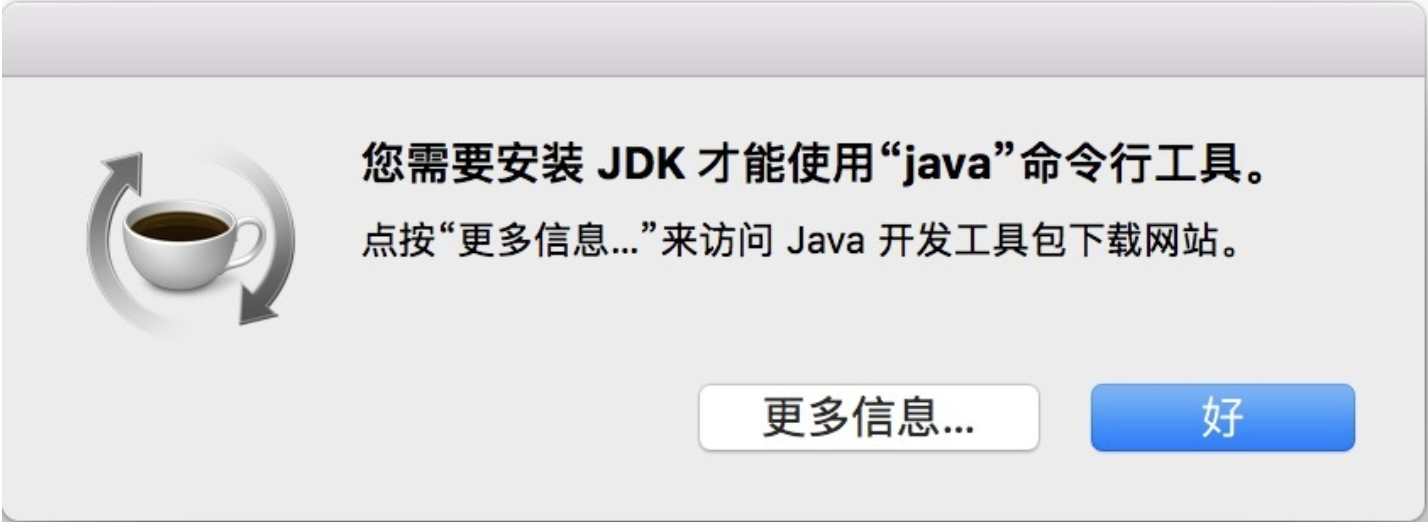
点击更多信息,会直接跳转到Java官网下载,下载之后按照安装提示安装即可。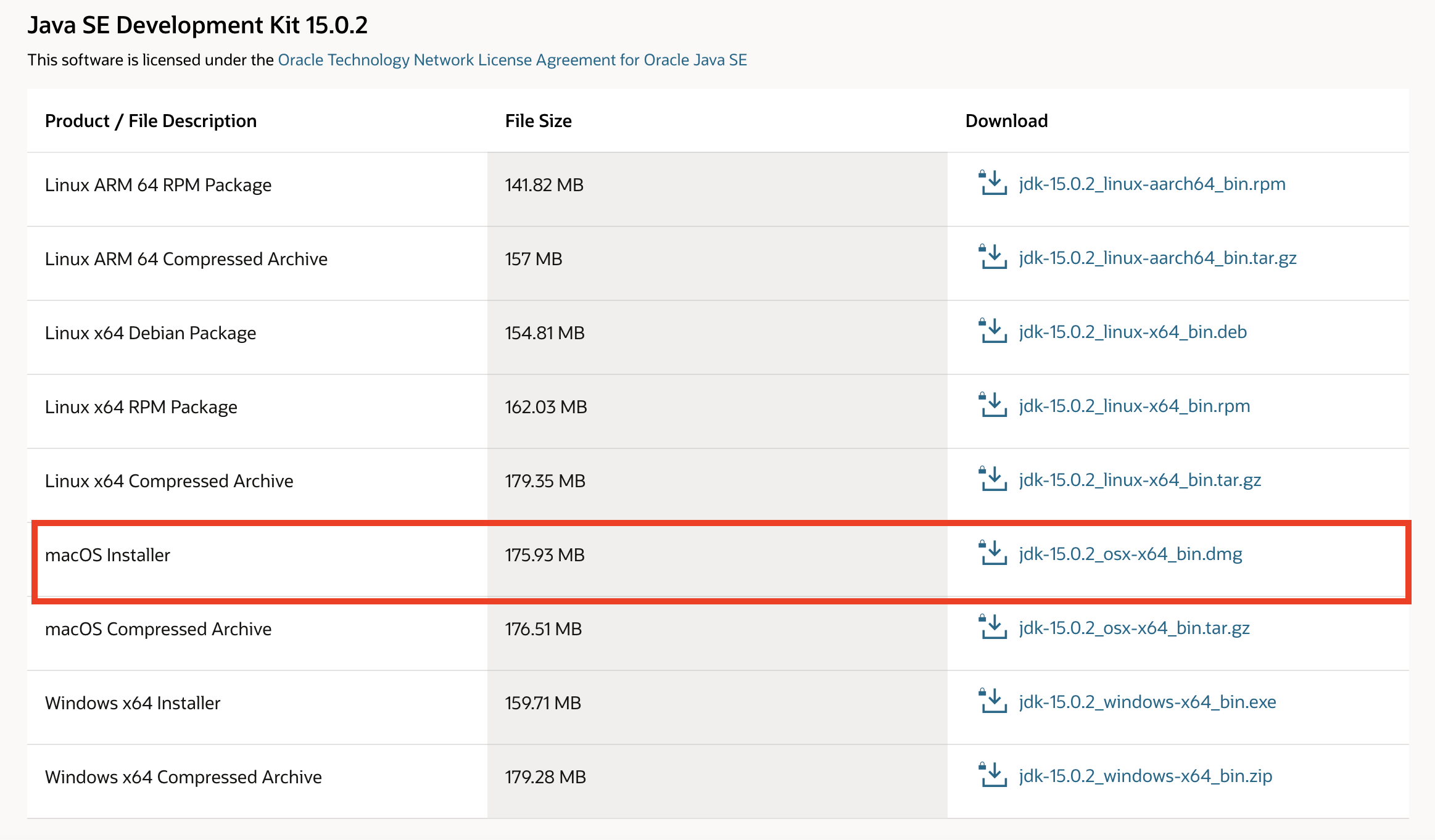
1.2 HomeBrew命令行安装
可通过 brew install java 命令安装java,执行之后如果输出以下内容,则代表安装成功:
$ brew install java
Updating Homebrew...
==> Auto-updated Homebrew!
Updated 3 taps (homebrew/cask-versions, homebrew/core and homebrew/cask).
==> New Formulae
qt-libiodbc                   qt-mysql                      qt-postgresql                 xray
qt-mariadb                    qt-percona-server             qt-unixodbc
==> Updated Formulae
Updated 30 formulae.
==> Updated Casks
Updated 11 casks.

==> Downloading https://homebrew.bintray.com/bottles/openjdk-15.0.2.catalina.bottle.tar.gz
######################################################################## 100.0%
==> Pouring openjdk-15.0.2.catalina.bottle.tar.gz
==> Caveats
For the system Java wrappers to find this JDK, symlink it with
  sudo ln -sfn /usr/local/opt/openjdk/libexec/openjdk.jdk /Library/Java/JavaVirtualMachines/openjdk.jdk

openjdk is keg-only, which means it was not symlinked into /usr/local,
because macOS provides similar software and installing this software in
parallel can cause all kinds of trouble.

If you need to have openjdk first in your PATH, run:
  echo 'export PATH="/usr/local/opt/openjdk/bin:$PATH"' >> /Users/wangruifang/.bash_profile

For compilers to find openjdk you may need to set:
  export CPPFLAGS="-I/usr/local/opt/openjdk/include"

==> Summary
🍺  /usr/local/Cellar/openjdk/15.0.2: 614 files, 324.9MB
从官网下载安装比较简单,HomeBrew命令行安装过程中容易出错(此篇文章第三部分记录的就是安装过程中遇到的问题)。
2.安装Jenkins
通安装java环境以下,Jenkins的安装也有两种方式
2.1 安装包下载安装
前往Jenkins官网下载 .pkg 安装包进行安装即可。
2.2 HomeBrew命令行安装
可直接通过 brew install jenkins 命令安装:
$ brew install jenkins
安装结束后,可根据需要执行以下命令:
// For the system Java wrappers to find this JDK, symlink it with
$ sudo ln -sfn /usr/local/opt/openjdk@11/libexec/openjdk.jdk /Library/Java/JavaVirtualMachines/openjdk-11.jdk
// openjdk@11 is keg-only, which means it was not symlinked into /usr/local, because this is an alternate version of another formula.

// If you need to have openjdk@11 first in your PATH, run:
$ echo 'export PATH="/usr/local/opt/openjdk@11/bin:$PATH"' >> /Users/wangruifang/.bash_profile

//For compilers to find openjdk@11 you may need to set:
$ export CPPFLAGS="-I/usr/local/opt/openjdk@11/include"
3.启动服务
安装完成之后,在终端输入命令:
$ jenkins
或者
$ brew services start jenkins
启动 jenkins 服务,即可在浏览器中http://localhost:8080中访问
brew services start jenkins命令与jenkins的区别是:当终端关闭时,jenkins服务还可以继续使用。
3.1 解锁Jenkins
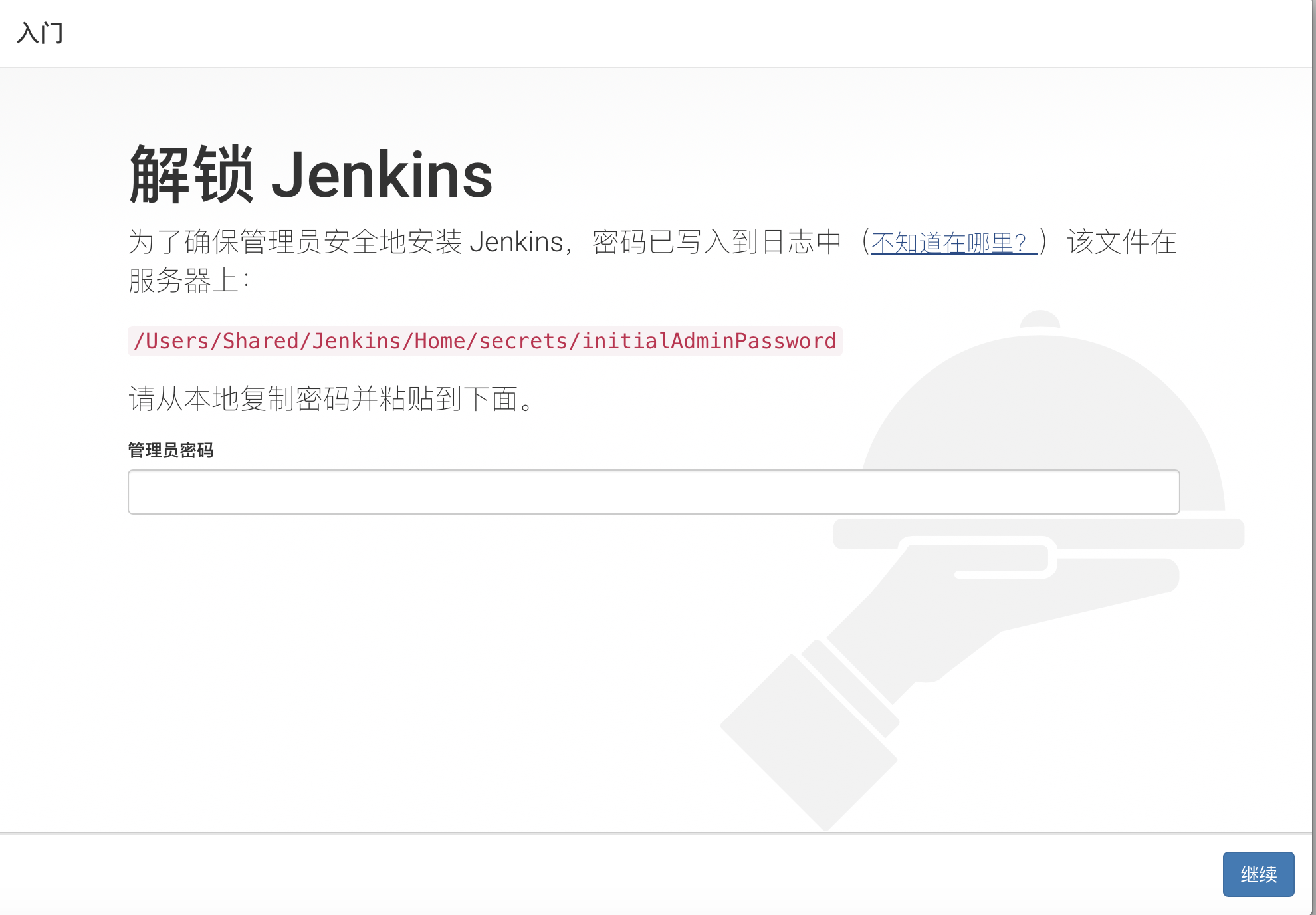
按照图中描述输入 cat + 密码路径,获取密码复制到管理员密码框中,然后下一步:
$ cat /Users/用户名/.jenkins/secrets/initialAdminPassword
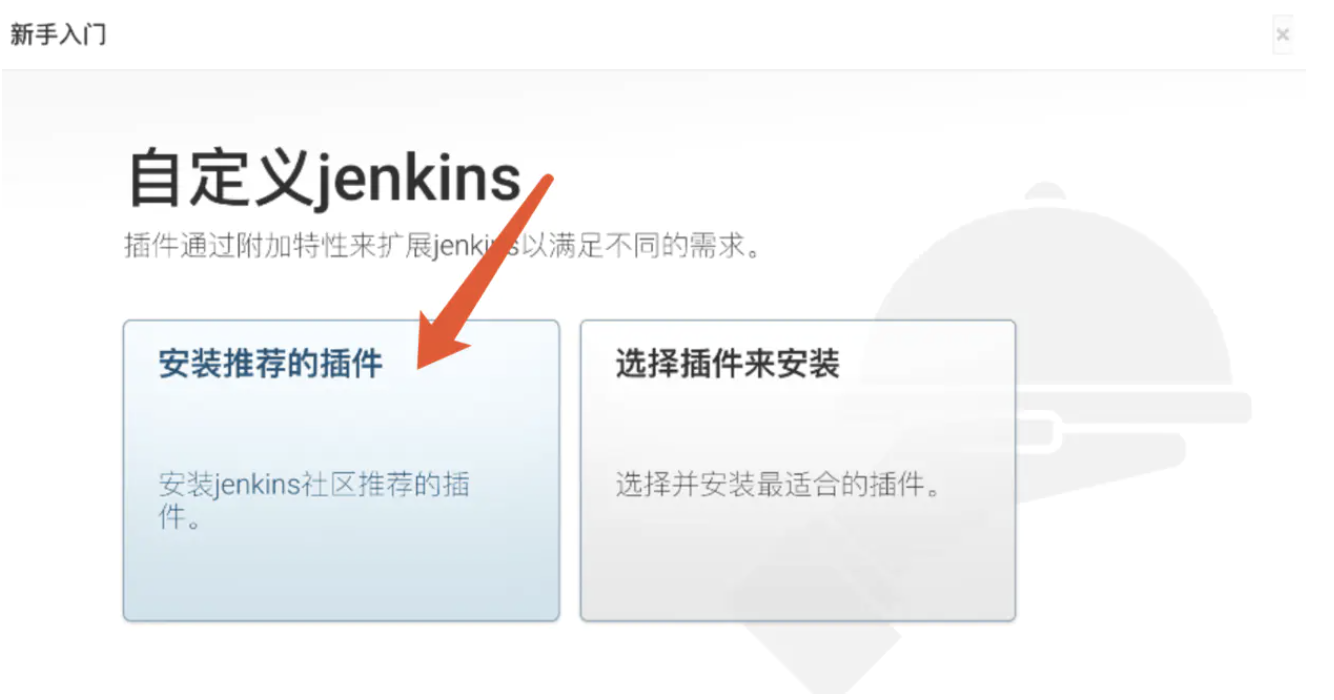
3.2 选择安装推荐的插件
3.3 等待插件安装
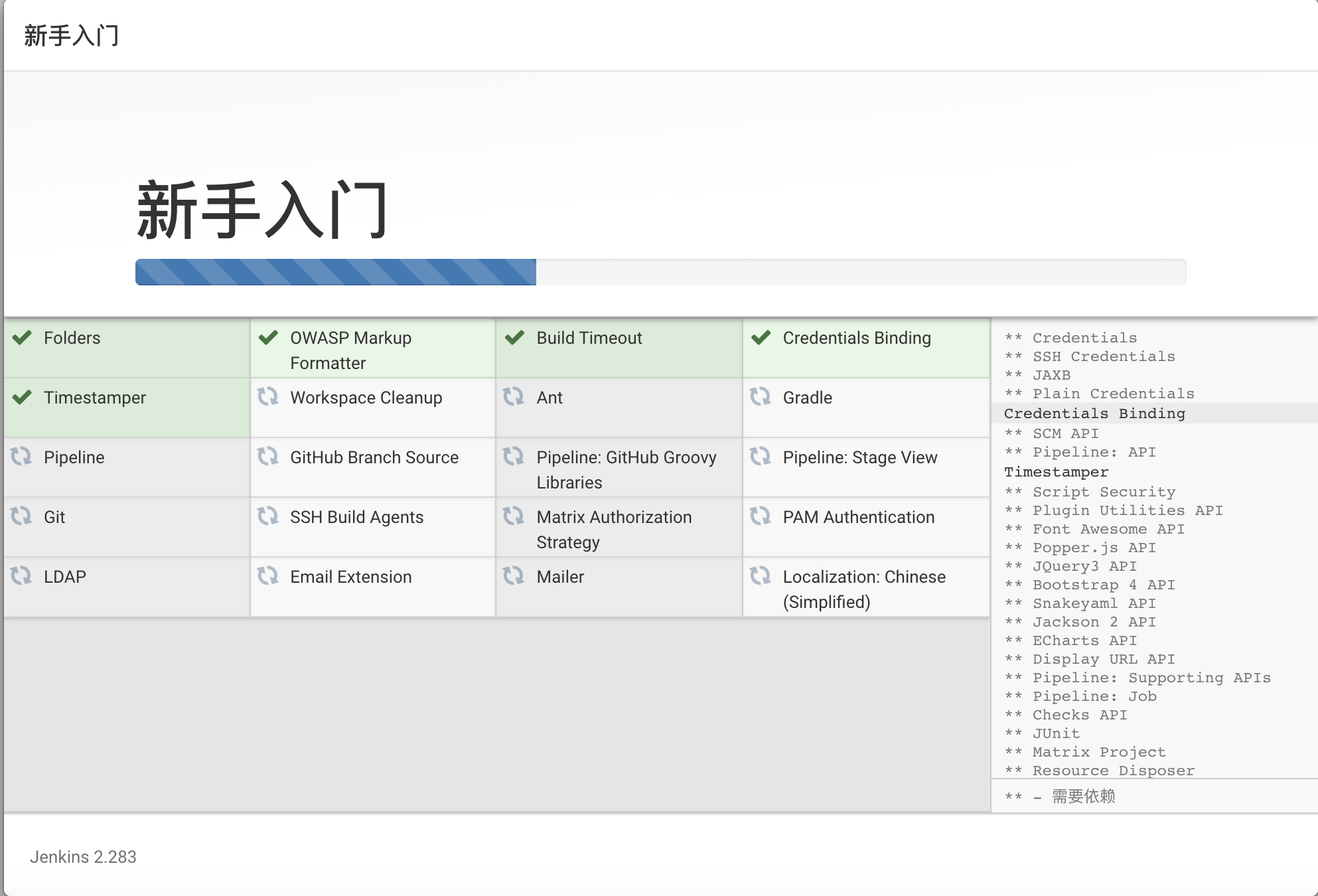
这个过程可能会有插件安装失败,在进度完成之后可重试,会再次安装失败的插件
3.4 创建管理员用户
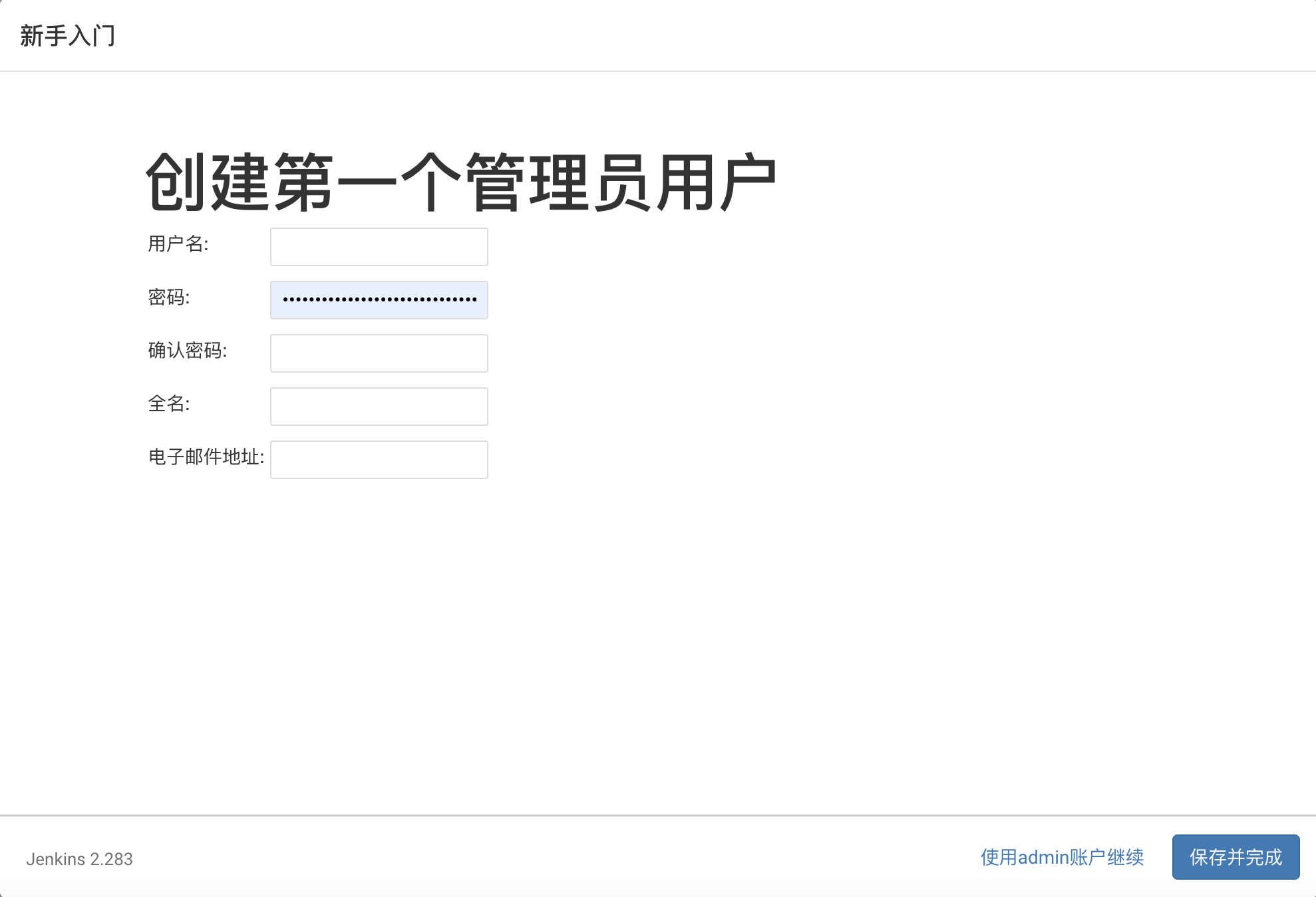
3.5 实例配置
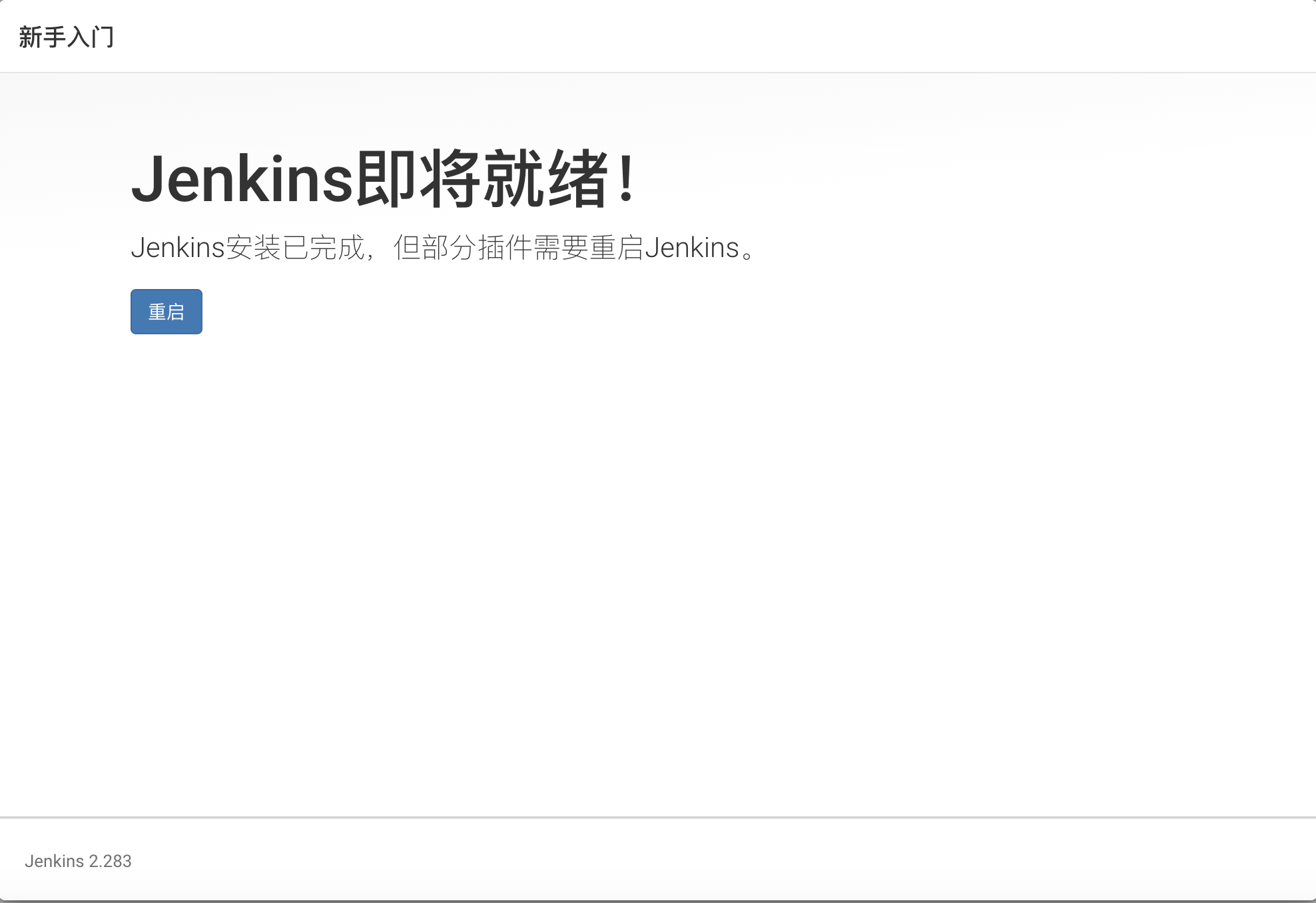
使用默认端口就可以, 点击保存后就会到Jenkins即将就绪页面,此时需重启Jenkins,执行命令:
$ brew services restart jenkins
url重启Jenkins : http://localhost:8080/restart
url关闭Jenkins : http://localhost:8080/exit
3.6 完成
jenkins服务重启后刷新http://localhost:8080,就可以看到jenkins的登录页面了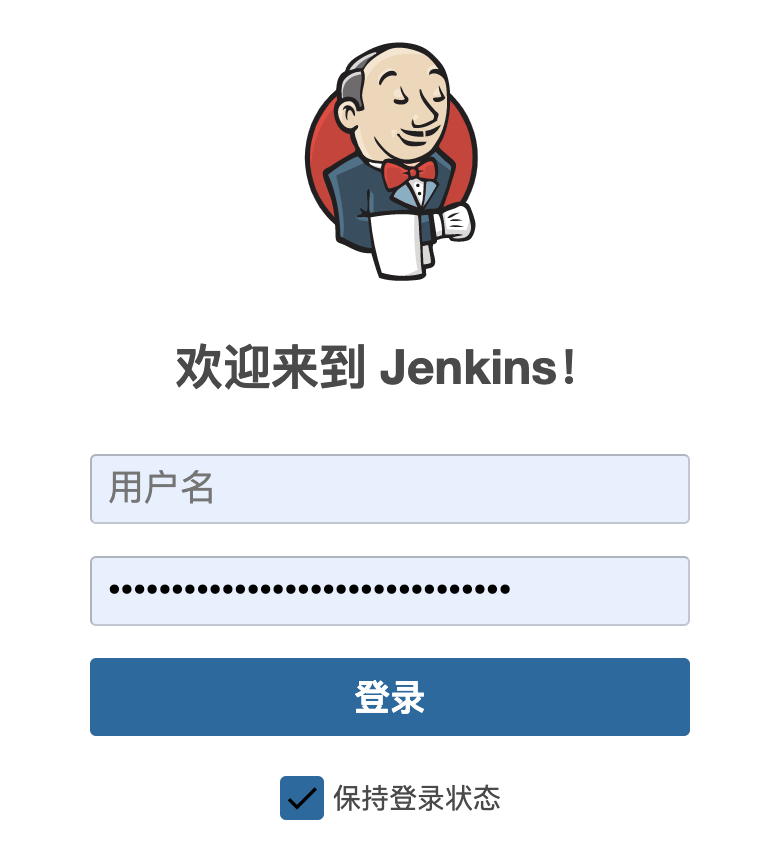
输入账号密码就可以进入Jenkins首页: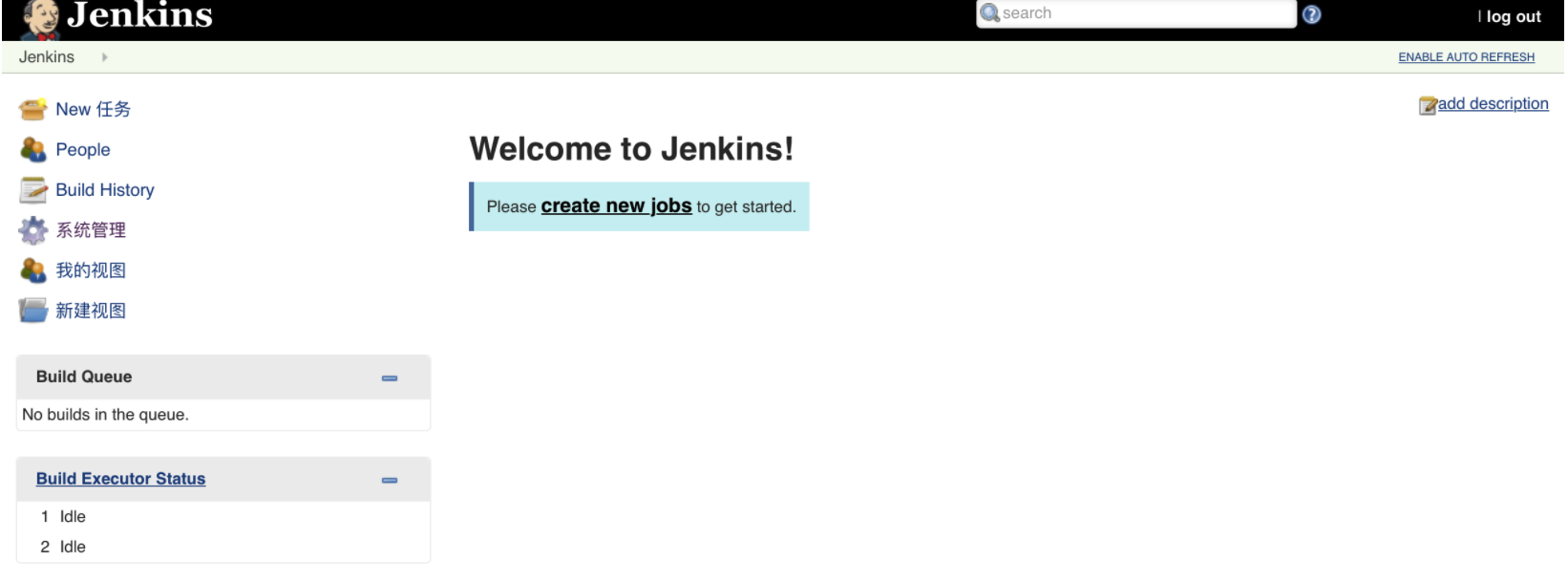
3.安装过程中遇到的问题
3.1 No available formula with the name "java"
Q: 执行 brew install java可能会出现以下报错内容:
$ brew install java
Updating Homebrew...
Error: No available formula with the name "java"
==> Searching for a previously deleted formula (in the last month)...
Warning: homebrew/core is shallow clone. To get complete history run:
  git -C "$(brew --repo homebrew/core)" fetch --unshallow

Error: No previously deleted formula found.
==> Searching for similarly named formulae...
These similarly named formulae were found:
app-engine-java               javacc                        jslint4java                   pdftk-java
google-java-format            javarepl                      libreadline-java
To install one of them, run (for example):
  brew install app-engine-java
==> Searching taps...
==> Searching taps on GitHub...
Warning: Error searching on GitHub: curl failed!   % Total    % Received % Xferd  Average Speed   Time    Time     Time  Current
                                 Dload  Upload   Total   Spent    Left  Speed
  0     0    0     0    0     0      0      0 --:--:--  0:00:04 --:--:--     0
curl: (35) LibreSSL SSL_connect: SSL_ERROR_SYSCALL in connection to api.github.com:443

Error: No formulae found in taps.
A: 此代表当前 HomeBrew 版本较低导致安装失败,需update,可执行:
$ brew update
3.2 homebrew-core is a shallow clone
Q: 执行 brew update 可能会出现以下报错:
$ brew update
Error:
  homebrew-core is a shallow clone.
To `brew update`, first run:
  git -C /usr/local/Homebrew/Library/Taps/homebrew/homebrew-core fetch --unshallow
This command may take a few minutes to run due to the large size of the repository.
This restriction has been made on GitHub's request because updating shallow
clones is an extremely expensive operation due to the tree layout and traffic of
Homebrew/homebrew-core and Homebrew/homebrew-cask. We don't do this for you
automatically to avoid repeatedly performing an expensive unshallow operation in
CI systems (which should instead be fixed to not use shallow clones). Sorry for
the inconvenience!
A: 解决方法是先执行以下命令再执行 brew update:
$ rm -rf /usr/local/Homebrew/Library/Taps/homebrew/homebrew-core
3.3 The following directories are not writable by your user: /usr/local/share/man/man8
Q: 执行 brew install java可能会因为权限问题出现以下报错内容:
$ brew install java
Error: The following directories are not writable by your user:
/usr/local/share/man/man8

You should change the ownership of these directories to your user.
  sudo chown -R $(whoami) /usr/local/share/man/man8

And make sure that your user has write permission.
  chmod u+w /usr/local/share/man/man8
A: 解决方法可执行以下命令:
$ sudo chown -R $(whoami) /usr/local/share/man/man8